
Case study · Clio + Occasion
AI without the chat box
Two experiments in AI you never have to prompt: one that quietly helps with your day, and one that dresses you for it.
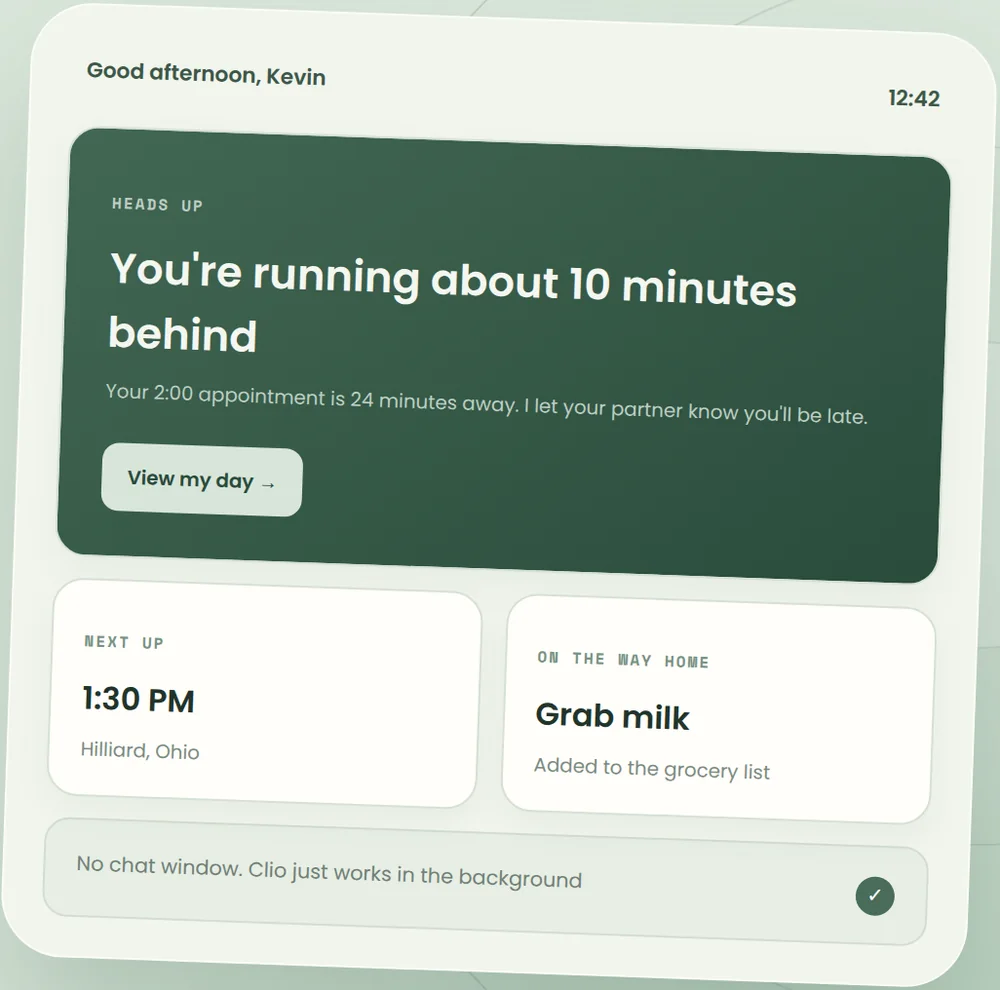
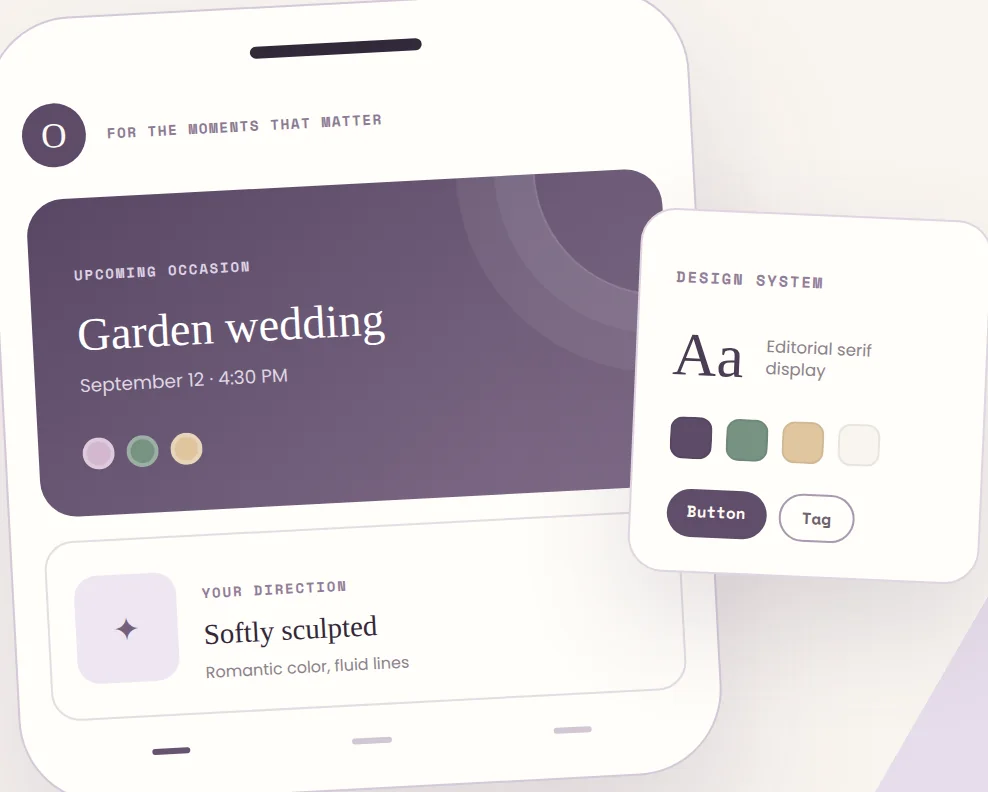
- My role
- Product strategy, design, and an AI-assisted full-stack build
- Status
- Working prototypes, still experimental
- Clio
- An AI that helps with your day
- Occasion
- Event outfit mood boards, built from your own closet
The problem
Nearly every AI product starts with a blank text box. You have to know what to ask, and the AI doesn't know anything about you yet.
The idea
Replace the prompt with something you already have, and replace the chat with a role you already understand.
Two tests
Clio uses your calendar and the world around you. Occasion uses a party invitation. Neither one asks you to type a prompt.
The problem
Why does every AI start with a blank box?
Almost every AI product today opens with an empty text box. That's not because a chat box is the best way to use AI. It's because that's the shape it first showed up in, and everyone copied it. Now everyone has to live with it.
For a lot of people, a blank box is a real hurdle. You have to know what to ask and how to ask it, and the AI doesn't know anything about you yet. That's a lot of work to hand someone who just wants a little help with their day.
The pattern
Two swaps
Both projects test the same idea. Take the two hardest parts of a chat interface and replace them with things people already know.
Replace the prompt with something you already have
- Clio
- Your calendar, your location, the weather, and the news
- Occasion
- The invitation to the event
Replace the chat with a role you already understand
- Clio
- An assistant who leaves you helpful notes through the day
- Occasion
- A Pinterest-style mood board of clothes you already own
Part one · Clio
A dashboard for the AI that already knows you
Clio is a dashboard you never have to talk to. It looks at your calendar, the weather, your location, the news, and more, then surfaces suggestions, tips, and reminders throughout the day, right when they're actually useful.
Why I built it
Clio started as something I needed. When I moved to Columbus, I picked up a job as a security technician to get settled. Staying on top of a schedule has never come naturally to me, and as a team lead, keeping one wasn't optional. I wanted an intelligent way to plan my day, so I built one to fill a gap in my own abilities.
It was also my first serious AI-assisted engineering project, and the first one I relied on every single day. With a full-time job on my plate, building with AI was how I kept it moving.
Where it gets its brain
Instead of building yet another AI that has to learn who you are from scratch, Clio plugs into the agent you already use. It's named after my own assistant, Clio, because that's literally how it started: a dashboard tied into an agent that already knew my schedule, my preferences, and what I care about. So it was useful on day one instead of after weeks of getting to know me.
The assistant you already use, with everything it knows about you. Clio works with any OpenAI-compatible model.
An extra layer of real-world context: calendar, location, weather, news, and the things you're interested in.
Small cards with suggestions, tips, and reminders that show up when they matter, not when you remember to ask.
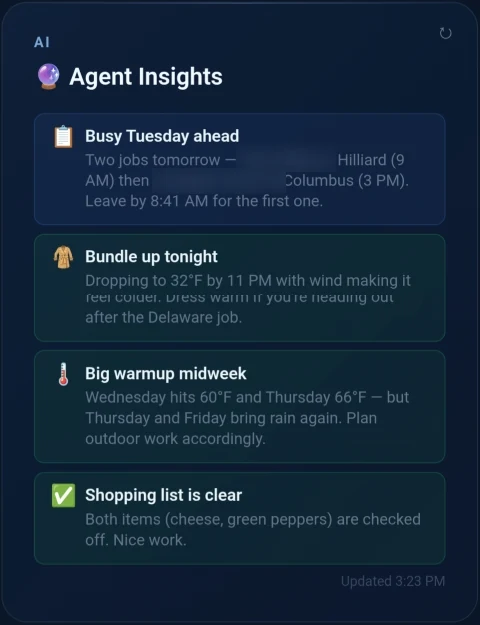
What I designed for
Bring your own agent
No cold start and no lock-in. People keep the AI they already trust, and Clio inherits everything it knows about them.
Questions with buttons
Sometimes Clio needs to check something. Instead of opening a chat, it asks a quick question with a few answers to tap. The agent still gets to clarify, and the chat box never comes back.
It learns from your taps
Every tap is feedback. Clio learns which suggestions you act on and which you brush aside, so it gets more useful without asking you to train it.
Private by default
It's reading some of the most personal information you have, so everything is encrypted. Not even I can look.
What it taught me
Building Clio with AI taught me an important lesson about tech debt and feature creep. When a new feature is just a prompt away, it's incredibly easy to keep adding things, and every one of them leaves something behind to maintain. Clio grew faster than its foundation could keep up with, and that's why it's getting a full rewrite.
When a new feature is just a prompt away, knowing what not to build becomes the real skill.
What the rewrite will do differently
I'm starting with the interface this time, the settings especially. Every feature I added came with a few more options, and the settings turned into a tangled mess fast. That's what feature creep looks like when you can see it.
Next is the layer that keeps track of what you like and what you don't. It has to get a lot better at understanding what you actually want, because every suggestion depends on it.
And I want location and schedule to finally work together with everyday things like your shopping list. When I was out on service calls, this is the kind of nudge I really wanted:
And that notification isn't an ad. Nobody paid to put Kroger in front of you. It's your own AI noticing a pattern in your week and deciding it was worth mentioning. That's the kind of personal AI I want to build: a system you own, learning about you and working for you, instead of a company learning about you so it can sell your attention. It's the same idea Satellite was built on. You should own your own data.
Part two · Occasion
A mood board, not a chatbot
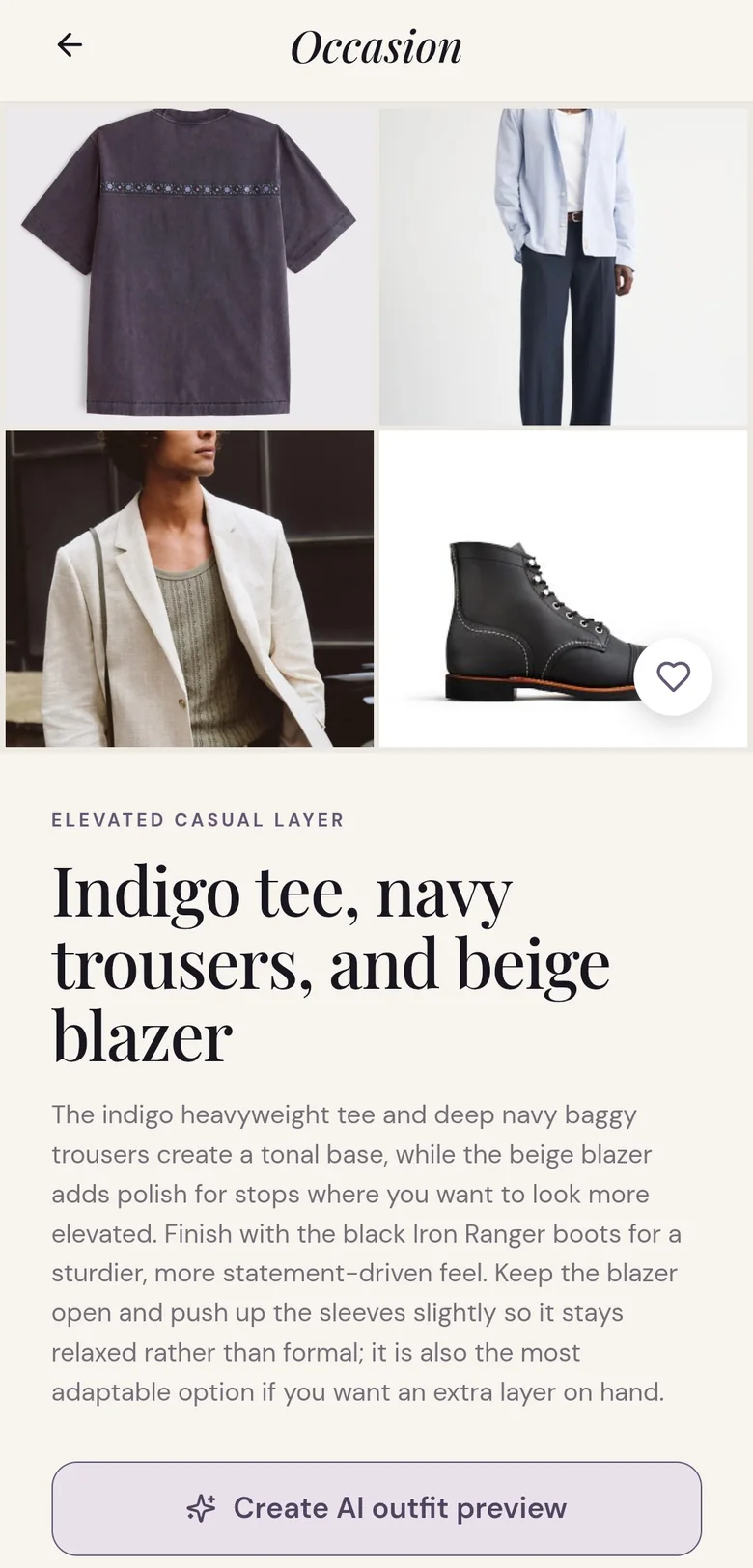
Occasion started with my girlfriend's dad. He wanted an AI that could pick out his clothes for parties and events. A chatbot could technically do that, but he was never going to sit down and write a prompt about what to wear to a garden wedding. So instead of a chatbot, I designed something that feels like a Pinterest mood board, except the pins are clothes from your own closet.
Paste the invite. Occasion works out where it is, when it is, and what kind of event you're dressing for.
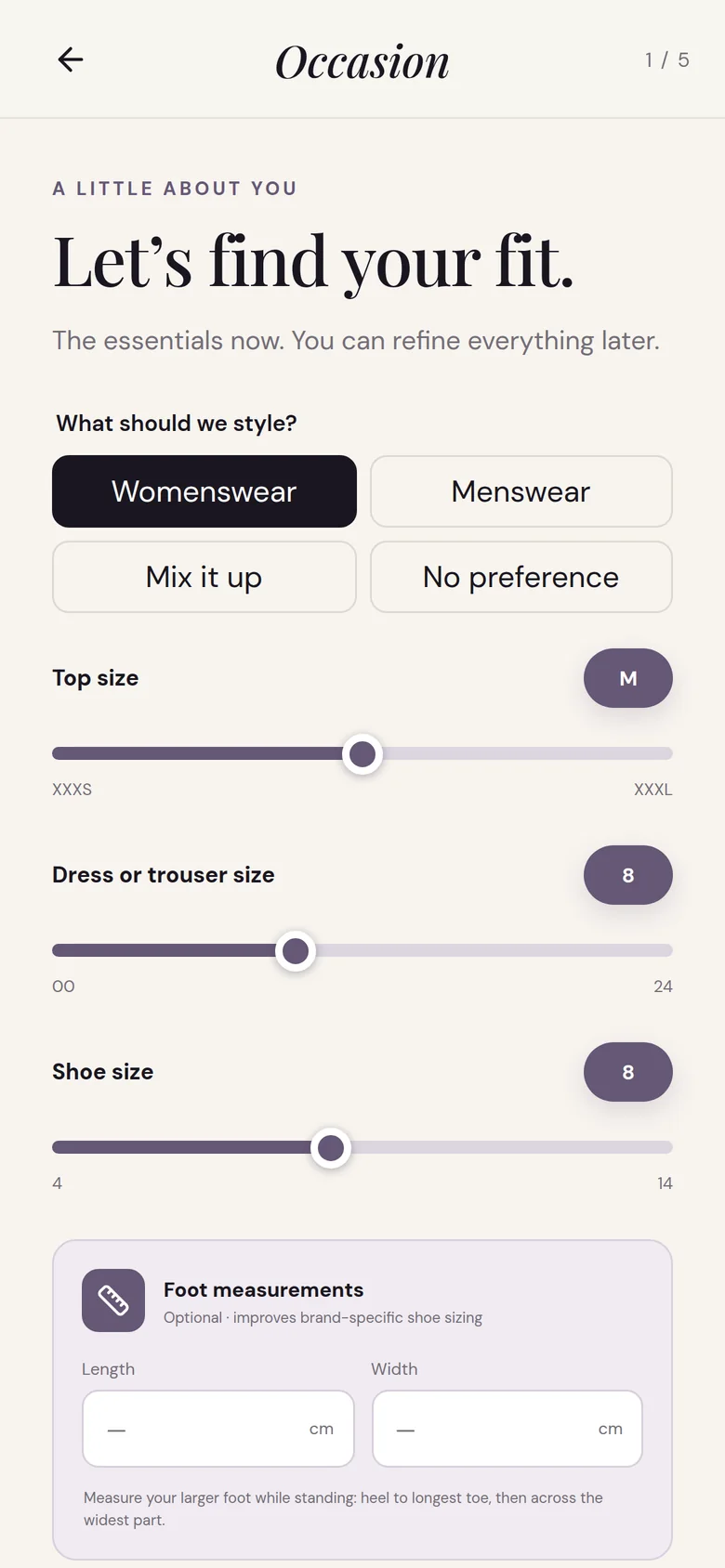
Sizes, style, and budget, all with taps and sliders. No typing required.
Built from your own closet or online stores, shaped around the weather, your style, and your budget.
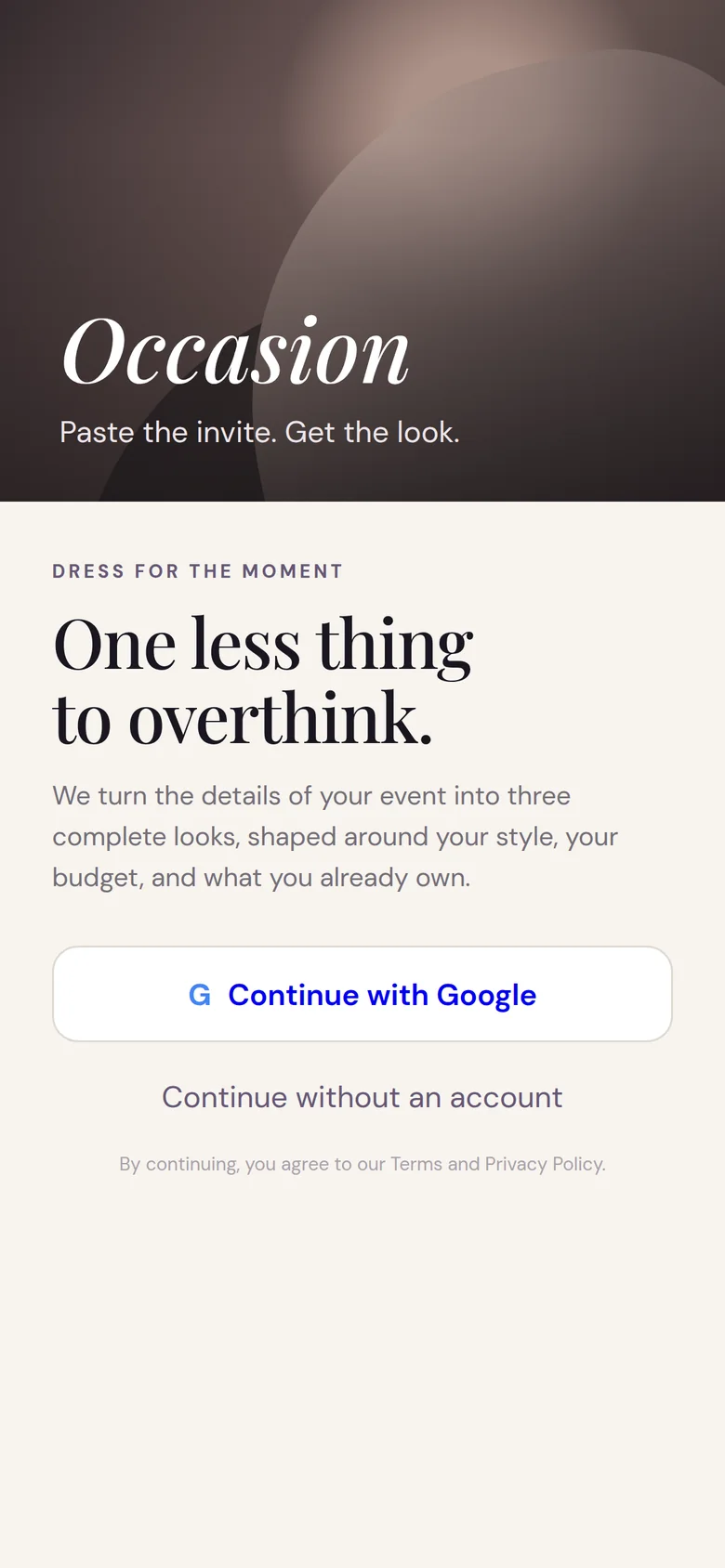
What I designed for
The invite is the prompt
Nearly everything you'd need to know (where, when, and how dressy) is already on the invitation. Letting people paste it removes the hardest part of using AI, which is knowing what to say.
Taps and sliders, not typing
Big buttons, sliders for sizes, and everything optional except the essentials. You can refine it all later.
Start with what you own
Pulling from your own closet first makes it feel like getting dressed, not like being sold to.
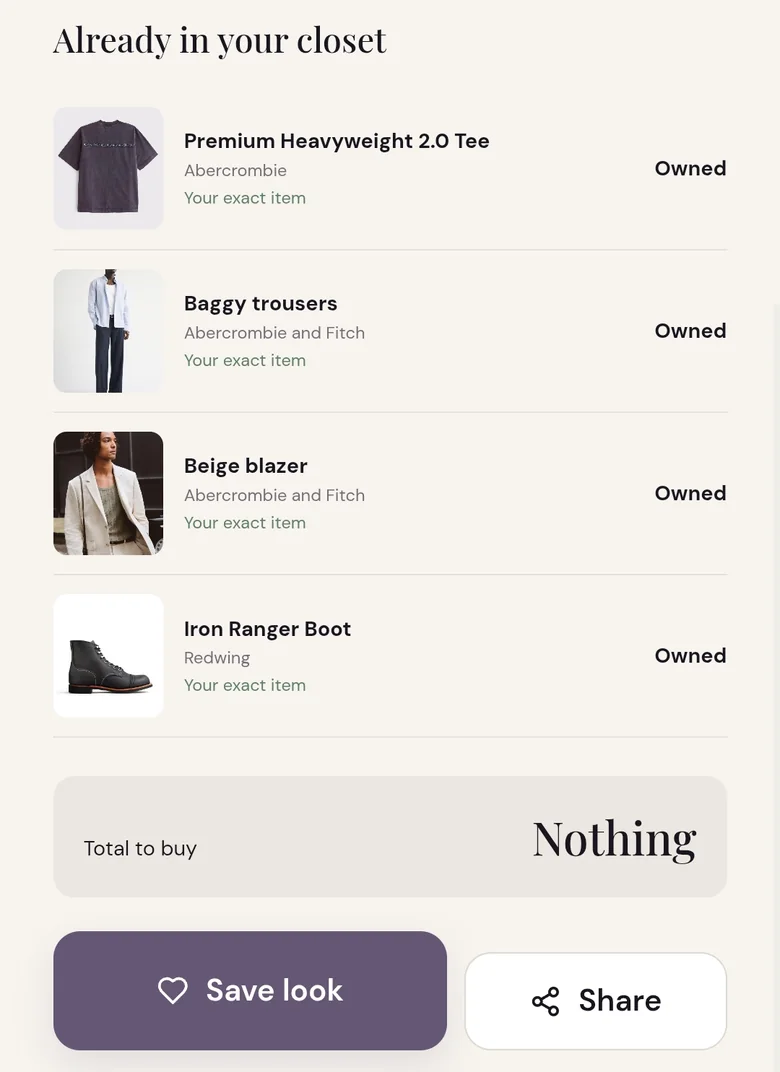
Occasion's design system, which I call Tea Time UI, ended up starting a project of its own. Designing it light-first is what led me to build UIForma.
What these taught me
The interface is the hard part
Building both of these convinced me that the hardest part of an AI product usually isn't the model. It's deciding what the person should never have to do: never write a prompt, never explain themselves twice, never start from zero. A chat box hands all of that work to the user. A good interface quietly takes it back.
New technology tends to get stuck in whatever shape it first shows up in. I'd rather design the version people already know how to use.